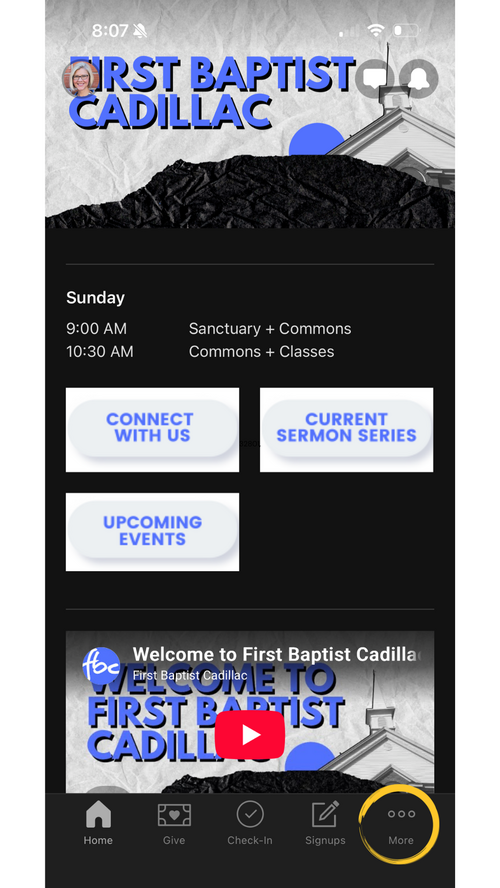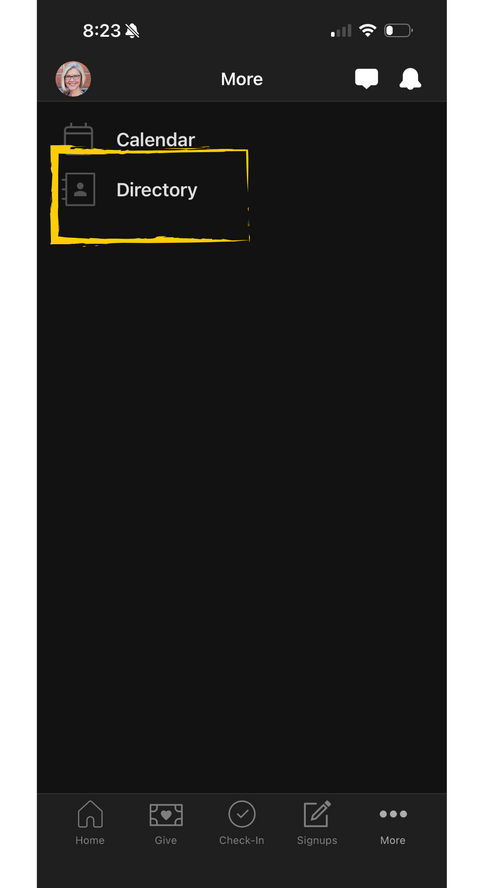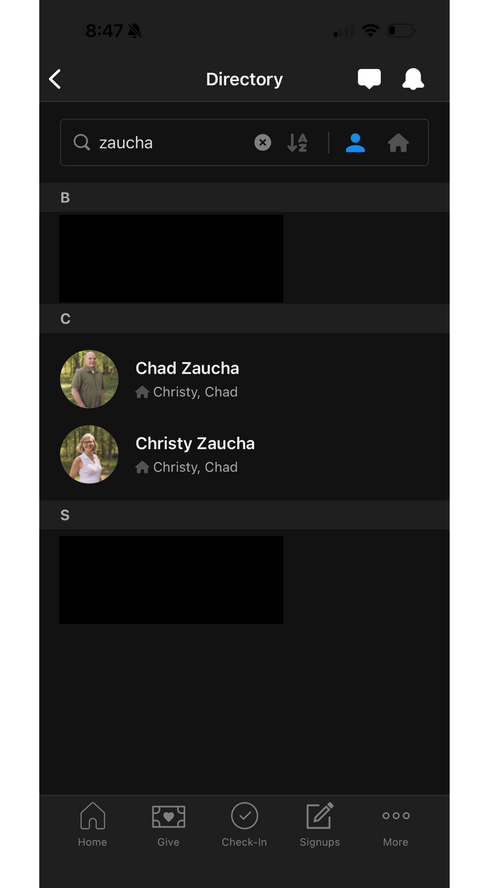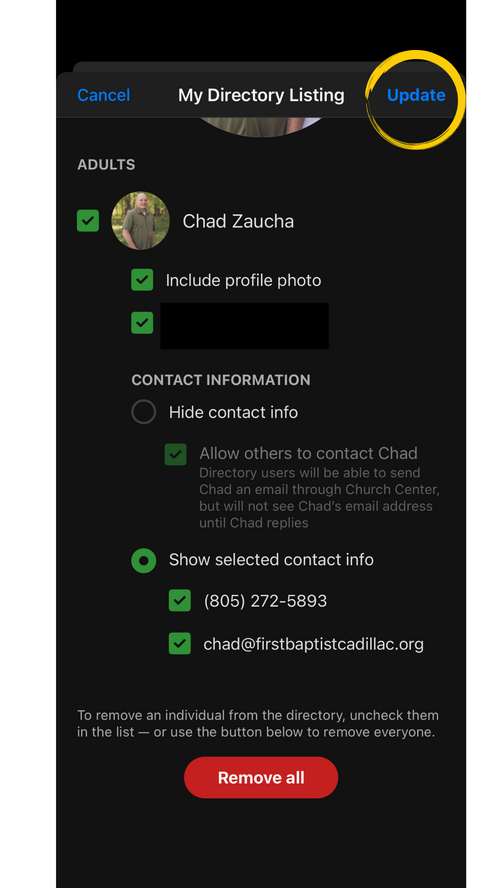
Did you know?
We have an online church directory for you to use! If you are interested in joining, keep reading on!
If you have questions, you can email info@firstbaptistcadillac.org.
For those of you who are technology confident or familiar with your Church Center App, you will be able to figure it out without the help of these instructions–it is very simple.
Once you have been invited to join our online directory, you will receive an email that looks similar to this image below:
If you have questions, you can email info@firstbaptistcadillac.org.
For those of you who are technology confident or familiar with your Church Center App, you will be able to figure it out without the help of these instructions–it is very simple.
Once you have been invited to join our online directory, you will receive an email that looks similar to this image below:
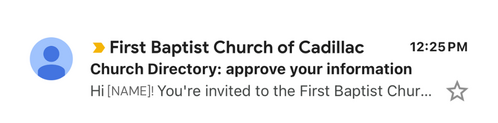
If you know you have been invited to join the online directory, but haven't received the email invite,
please check with us that the email we have on file for you is your current email address.
please check with us that the email we have on file for you is your current email address.
Inside of the Invitation email, you will find a button that says "Yes, share my information" (this means you have accepted the invitation to join the directory).
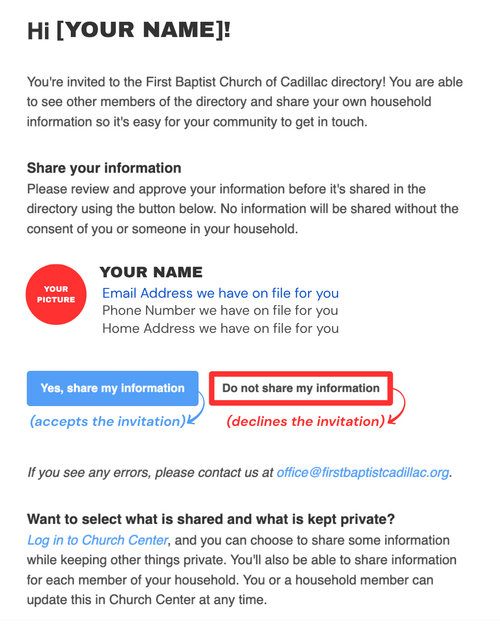
If some of your information is incorrect, PLEASE STILL CLICK THE BLUE BUTTON,
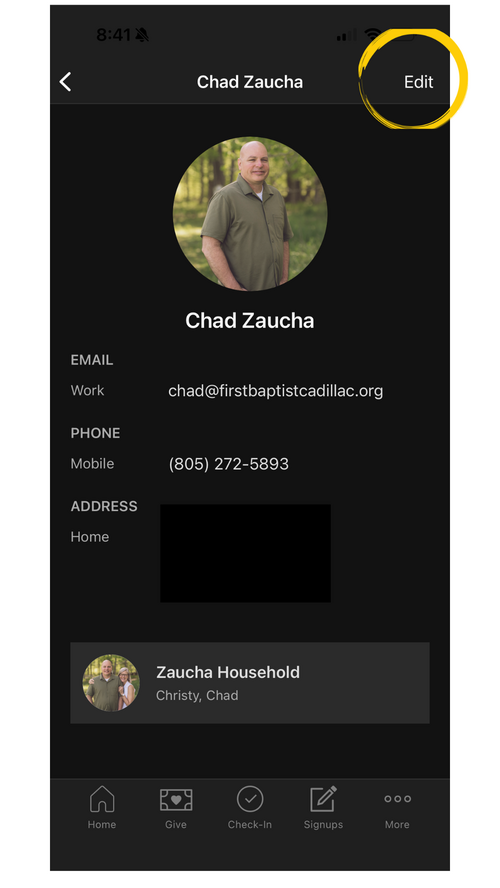
you can edit your information by going back to your Profile and Settings and selecting "Contact & Profile Information" at any point.
This is also where you can upload your profile and household pictures.
Don't forget to SAVE your changes each time you share/disable your information or update your profile!